

Try it ! beBee serious tricks- Extract Data

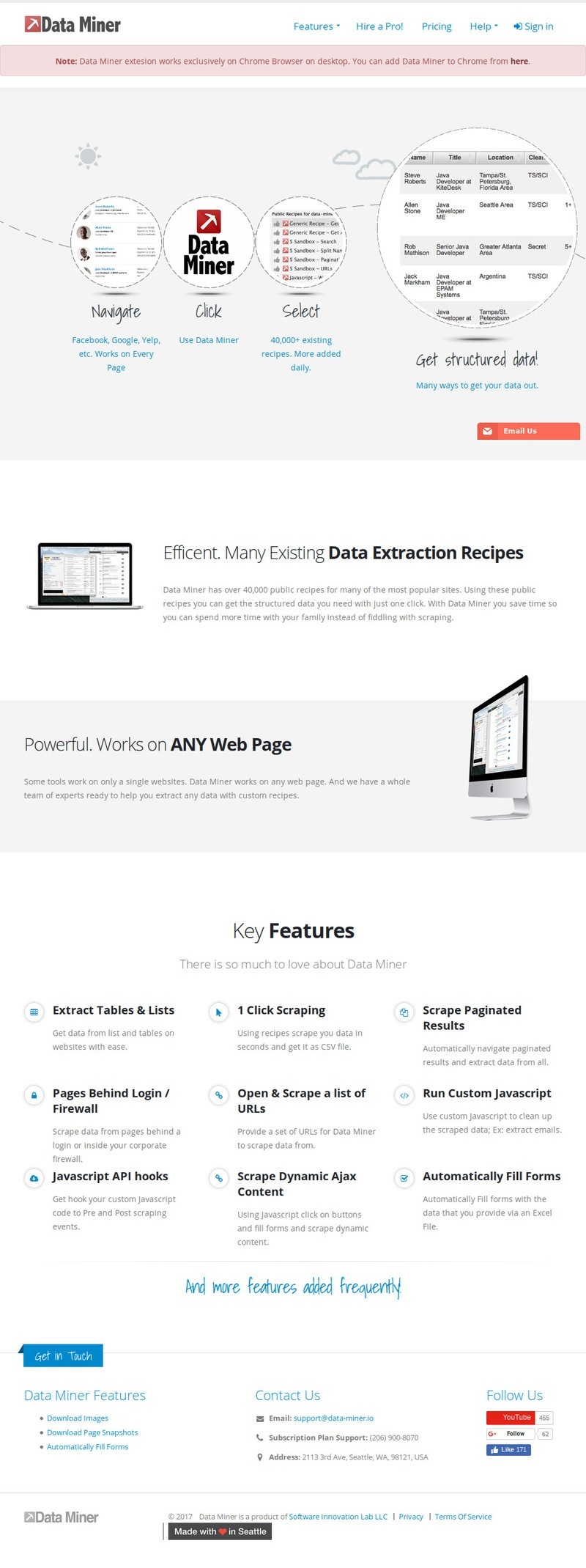
Data Miner is an add-on for Google chrome browser that helps you extract data from web pages and into an Excel spreadsheet or CSV file.
Read Through These Quick Steps
- Navigate to the site you want, launch Recipe Creator and start with "Row Selector"
- Using your mouse hover over the data until a highlighted box encloses all the information you are looking to scrape
- Once the Row is highlighted press shift, then over on the tool select one of the suggest classes to lock in the selection.
- At this point you can now being selecting you individual data. Click on “col1”.
- Give the column a name, hover over the data you wish to extract in this column and press shift.
- Pick the class that highlights the data the best. (Helpful tip - use the Up button for more options if the data isn’t selecting correctly.)
- Once the data is highlighted correctly click on the column name to lock it in and click Data to see the data for the whole page.
- Continue creating by clicking "+ Column".
How to use Recipe Creator Actions:
In 5 minutes you'll understand how to use Recipe Creator Actions like, button click and auto scroll.
How to click a button:
*Button click can be applied at any time during recipe creation.
- With Recipe Creator open to actions, hover and shift over the button.
- Select the button's most appropriate class.
- Give it a wait time of at least 3 seconds - this gives the content time to load.
- Click "Test Click"
- Once test reveals the content, hover and shift the content as normal.
- Save, close and scrape :)
How to Auto Scroll:
*Auto scroll can be applied at any time during recipe creation.
- With Recipe Creator open to the Actions Tab
- Under "Examples of Javascript" select: Navigate to end of page.
- Save, close and scrape :)
Geeting beBee to the next step is all about leveraging the next generation tools that the world wide web offers.
A first step woulbe be to get familiar with them and learn the basics before defining what to do with the data you can collect.
"
Articles from stephan metral 🐝 Innovative Brand Ambassador
View blog
5 years ago · 2 minutes of reading
For years now, organizations have been teaming up with global experts and industry professionals to ...

5 years ago · 3 minutes of reading
I am Stephane J. Metral Innovative brand ambassador on beBee and I help small & medium business owne ...

5 years ago · 4 minutes of reading
Soy Stephane J. Metral Embajador de marca innovador en beBee y ayudó a los propietarios de pequeñas ...
Comments
stephan metral 🐝 Innovative Brand Ambassador
8 years ago#1